Understanding JSON Formatting, Validation, and Syntax Errors
JSON (JavaScript Object Notation) is the ubiquitous language of web APIs, configuration files, and database exports. Despite its simplicity, strict RFC 8259 syntax rules catch developers off guard every single day. Here is how to diagnose and format JSON reliably.
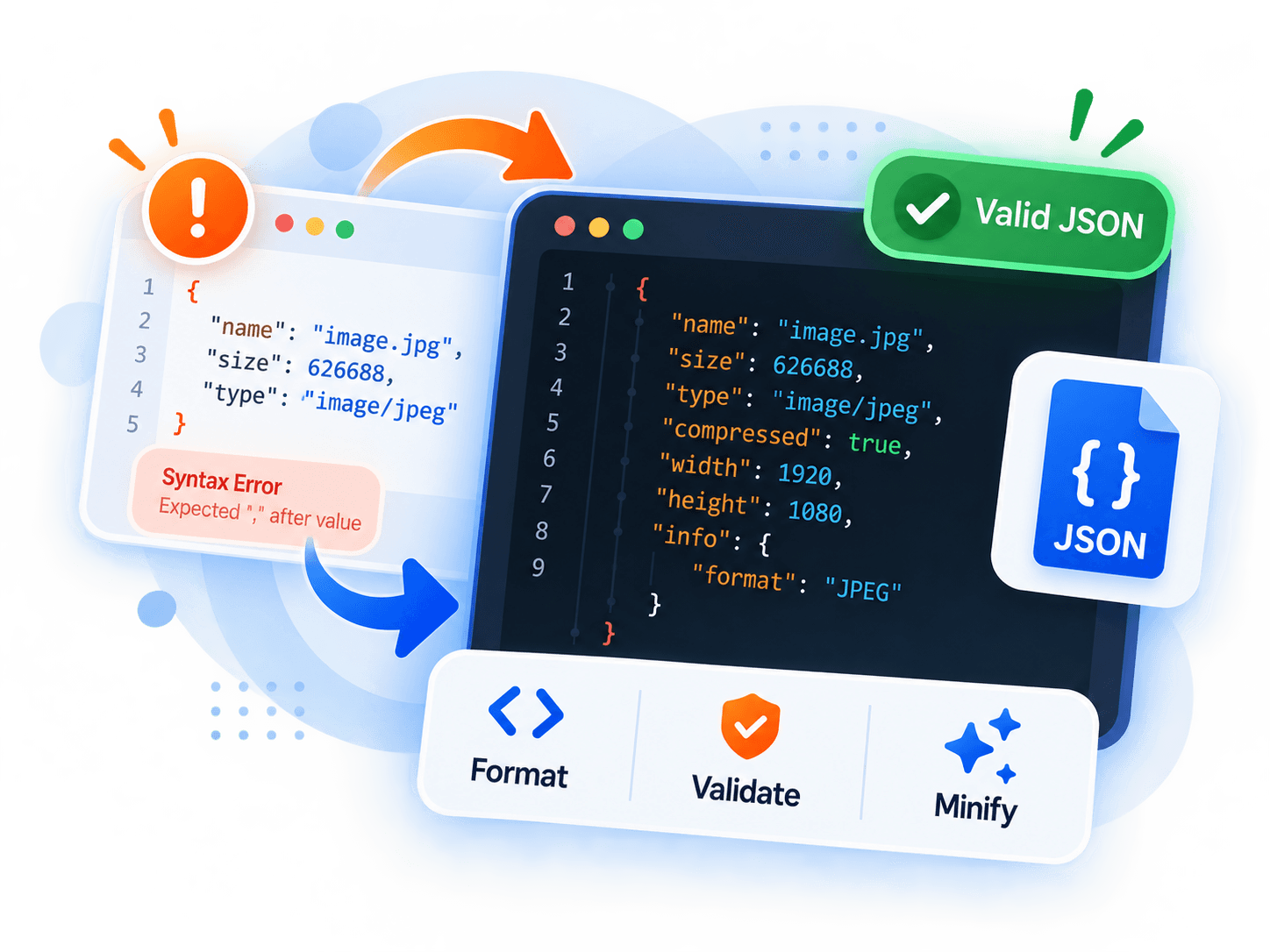
1. The Most Common JSON Syntax Mistakes
Trailing Commas: Placing a comma after the final item in an array `[1, 2, 3,]` or object `{"key": "value",}` is valid in modern JavaScript, but will cause an instant SyntaxError in standard JSON parsers.
Single Quotes: JSON requires double quotes (`"key": "value"`). Single quotes (`'key': 'value'`) are invalid.
Unquoted Keys: Unlike JavaScript objects (`{ key: 123 }`), JSON object keys must always be enclosed in double quotes (`{ "key": 123 }`).
2. Formatting vs. Minification
JSON Formatting (Pretty Printing) introduces deliberate indentation and newlines so engineers can inspect nested structures and debug API responses.
JSON Minification strips every unneeded whitespace character outside string literals. This typically reduces API payload size by 20% to 40% before network transmission, saving valuable bandwidth on mobile devices.
3. Why Privacy Matters for JSON Debugging
Developers frequently paste JSON containing sensitive database records, API tokens, and customer metadata into online formatters. Remote formatters often log these payloads to disk.
With Thiveo Tools JSON Formatter, parsing and indentation occur strictly in your local browser memory using native JSON.parse. No tokens, secrets, or payloads ever travel across the network.
Key Takeaway
Always validate with strict parsers, remove trailing commas before sending API requests, and use client-side local formatters to protect sensitive project payloads.
Complementary Tools
View all toolsImage Compressor
Compress JPEG, PNG, and WebP images locally in your browser with real-time quality preview and zero server uploads.
Image Converter
Convert images between WebP, JPEG, and PNG formats directly on your device with transparency flattening controls.
JSON Formatter & Validator
Format, validate, and minify JSON with accurate line-and-column syntax error reporting. Everything stays in memory.