How to Compress Images Without Losing Visual Quality
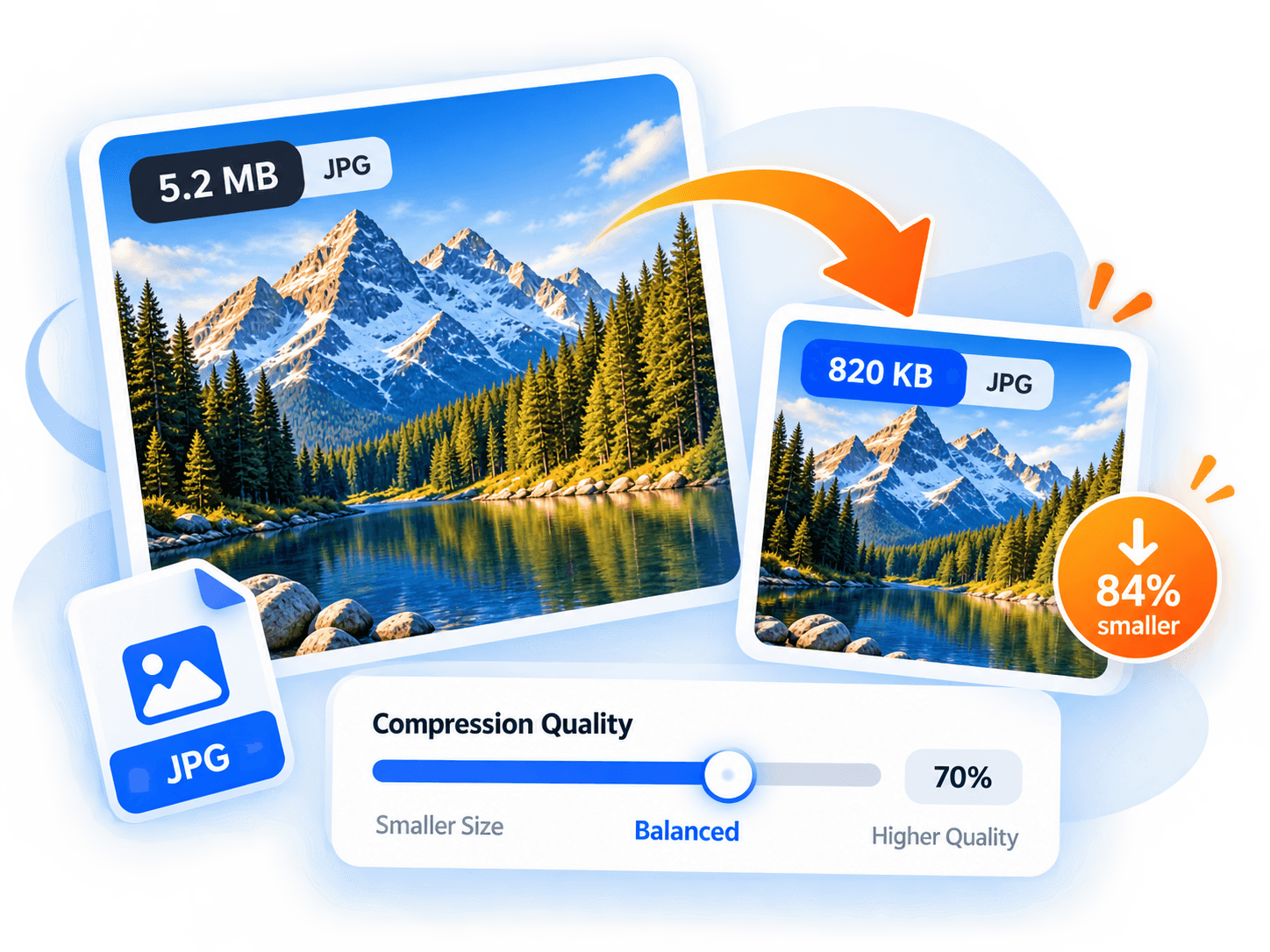
Large, unoptimized images are the single biggest cause of slow web page load times. However, aggressive compression can introduce unsightly pixelation, blurring, and artifacting. Learning how to properly compress images allows you to reduce file weights by 60% to 80% with virtually zero perceptible loss in visual fidelity.
1. Understand the Difference: Lossy vs. Lossless
Lossless compression (such as standard PNG) works by rearranging image data more efficiently without discarding any pixel values. Every bit of information remains intact, but the file size reduction is usually modest (10% to 25%).
Lossy compression (such as JPEG and lossy WebP) selectively discards subtle color transitions and high-frequency variations that human eyes struggle to see. This allows for massive byte reductions (50% to 80%) with excellent visual clarity when configured correctly.
2. The Sweet Spot: Finding the 75%–80% Quality Setting
Many users make the mistake of leaving cameras or export tools set to 100% quality. At 100%, file sizes are exponentially larger to preserve microscopic sensor noise.
Setting compression quality between 75% and 80% creates the optimal equilibrium: it eliminates unseen noise while maintaining razor-sharp edges and color fidelity for desktop monitors and mobile retina displays.
3. Why WebP is the Modern Standard
Developed by Google, WebP supports both lossy compression and 24-bit transparency (alpha channel). In real-world benchmarks, WebP images are 26% smaller than comparable PNGs and 25% to 34% smaller than equivalent JPEGs at the same structural similarity (SSIM) score.
Using our browser-based Image Compressor, you can convert older PNGs and JPEGs into WebP directly on your device with immediate before-and-after size feedback.
Key Takeaway
By switching your workflow to WebP and maintaining an 80% quality threshold, you can dramatically speed up website loading speeds and save mobile bandwidth without compromising brand aesthetics.
Complementary Tools
View all toolsImage Compressor
Compress JPEG, PNG, and WebP images locally in your browser with real-time quality preview and zero server uploads.
Image Converter
Convert images between WebP, JPEG, and PNG formats directly on your device with transparency flattening controls.
JSON Formatter & Validator
Format, validate, and minify JSON with accurate line-and-column syntax error reporting. Everything stays in memory.